Signal is adding another layer of protection to private conversations, this time aimed at artificial intelligence assistants that can inspect what is displayed on a phone screen. The encrypted messaging service says its new screen-security controls are designed to stop on-device assistants such as Google Gemini and Apple’s Siri AI from reading Signal conversations.
The change addresses a gap that end-to-end encryption alone cannot close. Encryption protects messages as they travel between devices and prevents outsiders, including Signal itself, from reading them on its servers. But an AI assistant with permission to view a phone’s screen may be able to see a message after it has been decrypted and displayed to the user.
What Signal’s new screen protection does
When enabled, the protection blocks screenshots and screen recordings within Signal, hides message content from the recent-apps view or iPhone App Switcher, and prevents supported on-device AI assistants from scanning the contents displayed in Signal.
Signal says the feature is supported on Android with Signal version 8.35.1 or later. On iPhone, it requires Signal 8.37 or later and iOS 27 or later. The iPhone setting, called Block Siri AI, is enabled by default. On Android, Screen Security is switched on automatically the first time Signal detects an AI assistant attempting to read the screen, although users can enable it manually.
How to enable Signal screen security
- Android: Open Signal, go to Settings, select Privacy, then App security and Screen security.
- iPhone: Open Signal, go to Settings, select Privacy and then Block Siri AI.
On iPhone, users can temporarily turn the protection off for 10 minutes if they need to take a screenshot. Android users can switch Screen Security on or off from the same settings area.
Does this mean Signal messages were not encrypted?
No. Signal says the new control does not change its end-to-end encryption or the people who can access a conversation. It is intended to protect the moment when a message is visible on the device. A screen-reading assistant can potentially copy information from an app without breaking the app’s encryption.
The distinction is becoming more important as phone makers build AI assistants that can understand what is on screen and take actions across apps. Signal has described its protections as incomplete and has urged operating-system makers to give app developers clearer ways to prevent AI systems from processing sensitive screen content.
Users should also remember that screen security cannot stop another person from photographing a device with a separate camera, and it does not prevent a recipient from copying or sharing a message.
Why the change matters
AI assistants are increasingly being designed to work across applications rather than respond only to questions typed into a chatbot. That can make them useful, but it also creates new questions about permissions, visibility and the handling of private information.
Signal’s move is a reminder that encrypted messaging and device-level privacy are related but different protections. People who use private chats for personal, financial or work conversations should review which assistants have access to their screens and notifications.
Sources: Signal Support: Screen security and AI assistants; Reuters reporting.
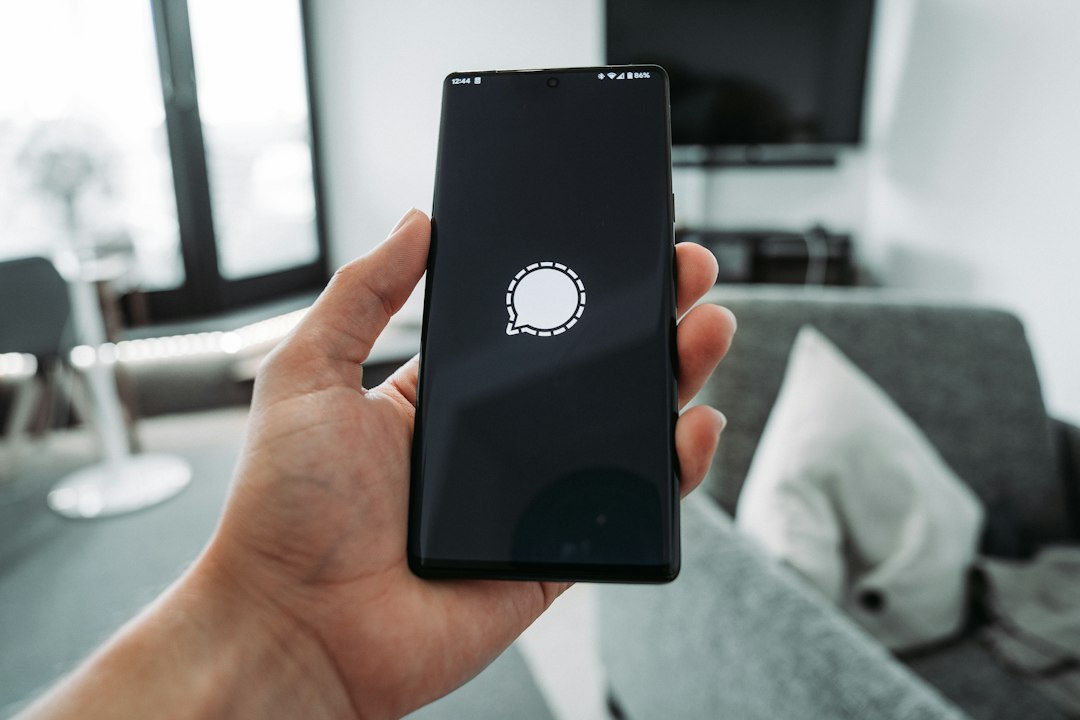
Image: Signal app displayed on a smartphone. Photo: Mika Baumeister / Unsplash.